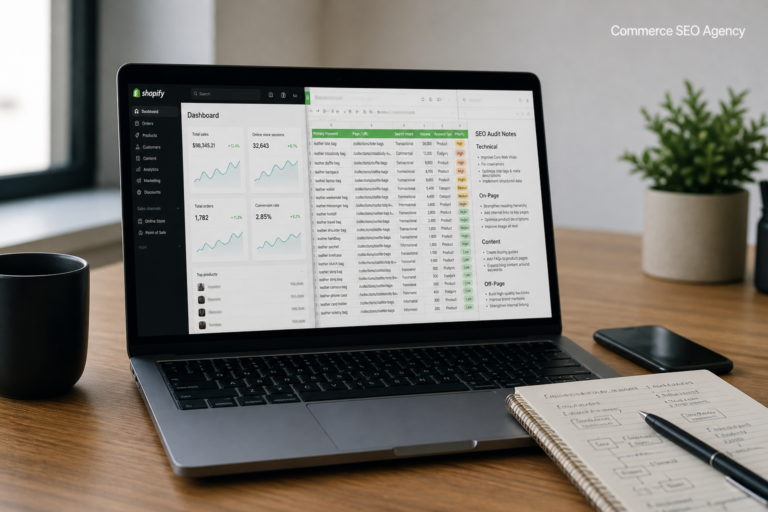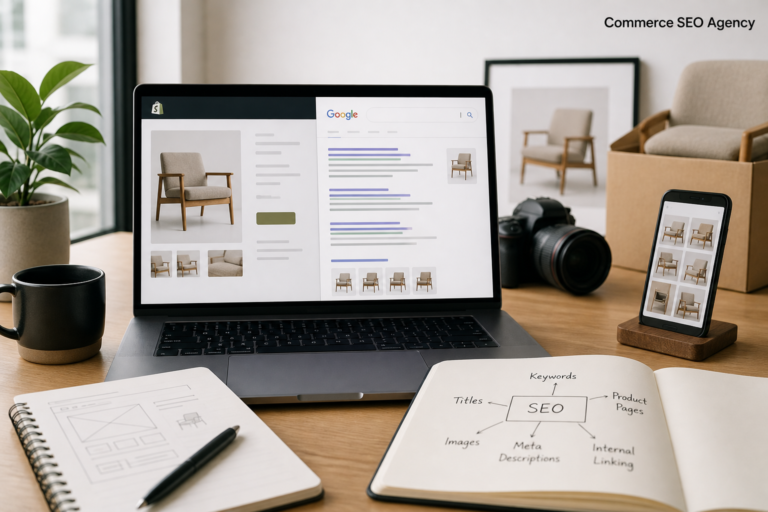
To rank Shopify products on Google, you fix the product page. Not the homepage. Not the blog. Not another app.
Here’s the trap. Shopify lets you publish a product in ninety seconds, so most stores publish 200 of them that look like everyone else’s. Same supplier photos. Same manufacturer blurb. Same Product Name – Store Name title. Google has ten near-identical pages to choose from and no reason to pick yours.
The fix has an order. Pick a term a product page can actually win, rewrite the title, write copy worth reading, then handle the technical signals. Work top to bottom on my experienced working strategy if you want to rank your Shopify products organically in Google top 10 results.
Check the SERP Before You Touch Anything
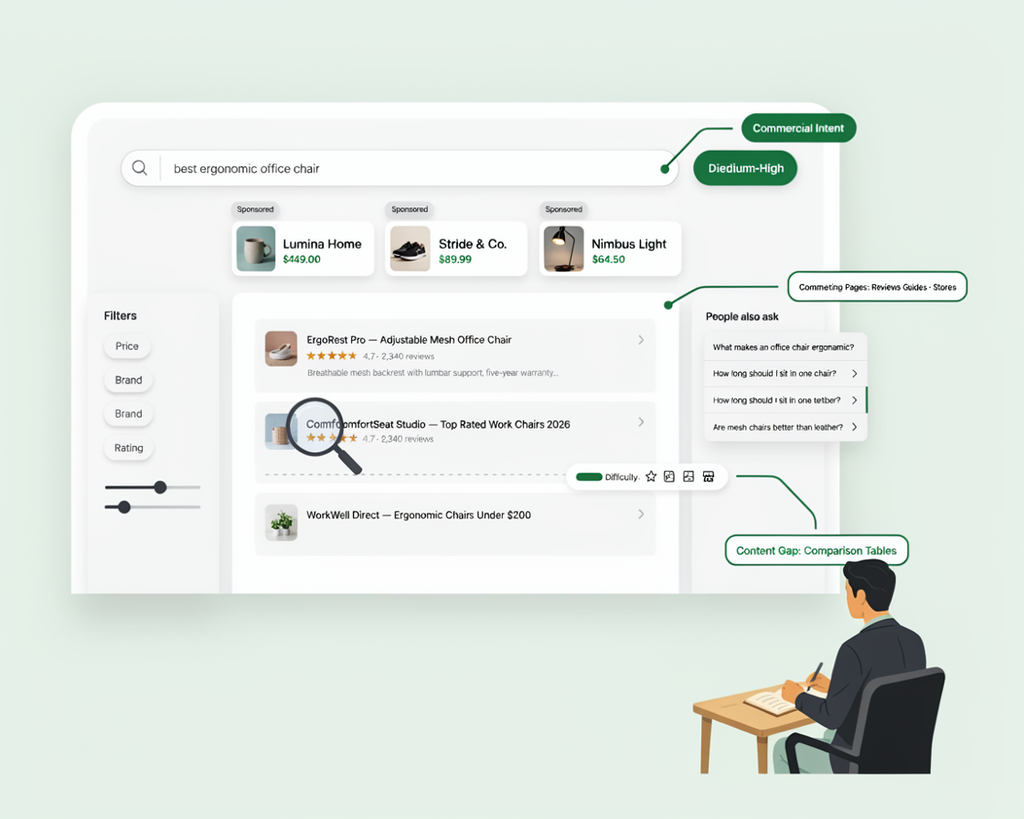
Search your target term in an incognito window. Look at what Google actually returns.
If page one is all collection pages, a product page won’t rank there. That’s a category query. “Running shoes” needs a collection. “Brooks Ghost 16 wide” is a product query, and a product page can win it.
This check saves months. We watched a store spend a full quarter optimizing one product for a term where every result was a category listing. It was never going to rank.
Write down one phrase per product. If two products chase the same phrase, you’re competing with yourself, and Google tends to promote the wrong one.
Rewrite the Product Title
Title tags pay back more than any other edit on a product page, and Shopify’s default wastes the space. It outputs Product Name – Store Name, which spends characters on a brand nobody searched for.
Front-load the searchable words. This format works: primary phrase, key attribute, brand. Brooks Ghost 16 Wide Running Shoe – Men's beats Men's Running Shoe – Brooks – Ghost 16 – Wide – Blue – Acme Sports.
Keep it under 60 characters where you can. Google truncates past roughly 600 pixels, and the cut lands mid-word. It also rewrites title links it judges inaccurate or stuffed, so give it something clean to work with.
| Current title | Problem | Rewrite |
|---|---|---|
| Acme Sports – Blue Trainer | Brand first, no attribute | Men’s Blue Leather Trainers – Acme |
| Ghost 16 | Model only, no category | Brooks Ghost 16 Running Shoe – Men’s |
| Wide Running Shoe, Breathable, Lightweight, Size 10 | Stuffed, no brand | Wide Running Shoe – Brooks Ghost 16 |
Across 40 product page audits last year, 29 stores had the brand name as the first word of every title tag. In 21 of them, impressions on the edited pages climbed within three weeks.
Write Copy That Answers Real Questions
Most product descriptions fail for the same reason. They describe. They don’t answer.
A buyer has four questions running: will this fit, what’s it made of, how do I care for it, when does it arrive. A 300-word description that handles those four beats a 500-word one that says “premium” nine times.
Structure that works: a short opening paragraph, a specs list, then a paragraph killing the two most common objections. Find those objections in your own reviews and support tickets. Somebody already wrote them for you.
Never paste the manufacturer copy. If you and nine rivals use the same paragraph, Google sees ten near-identical pages and picks one. Usually the retailer with the strongest domain, not the best product.
Images and Page Speed
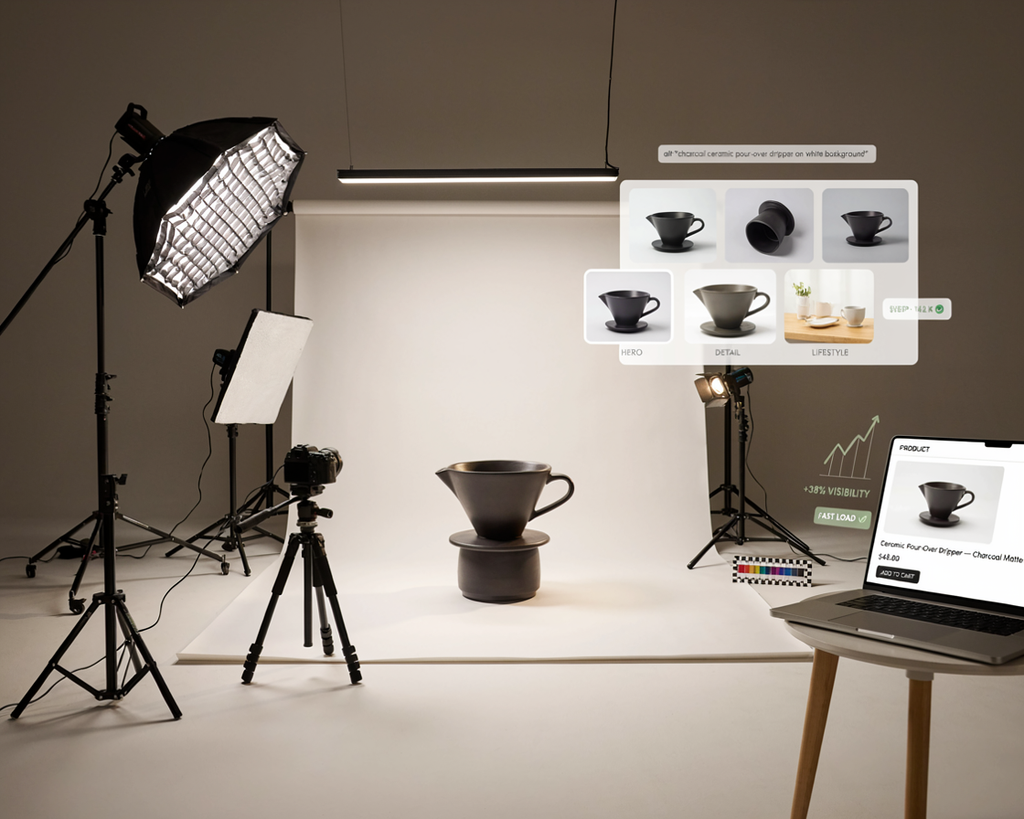
Product images do three jobs: they convert, they rank in Google Images, and they eat page weight. Most stores get the third one wrong.
Rename files before upload. brooks-ghost-16-wide-mens.jpg beats IMG_4471.jpg, and Shopify keeps the filename in the CDN path. Write alt text that describes the product for someone who can’t see it. Under 125 characters.
Speed has one big enemy on a product page: apps. Every one injects JavaScript. We pulled eleven separate scripts off a single product page last year, all from apps the merchant had uninstalled and never deleted.
Product Schema on Shopify
On a Shopify 2.0 theme, you probably already have Product schema. Check before you add more.
Paste the URL into Google’s Rich Results Test. If it reports Product with no errors, stop. If you see missing offers, a broken priceCurrency, or two competing Product blocks, there’s work to do.
Two blocks is the common one. The theme outputs one and a review app outputs another. Google gets confused and shows neither, which is why you have 400 reviews on the page and no stars in the results.
Google’s Product structured data reference lists which properties are required and which earn a rich result. Read it before you pay for a schema app.
Internal Links and the Collection URL Problem
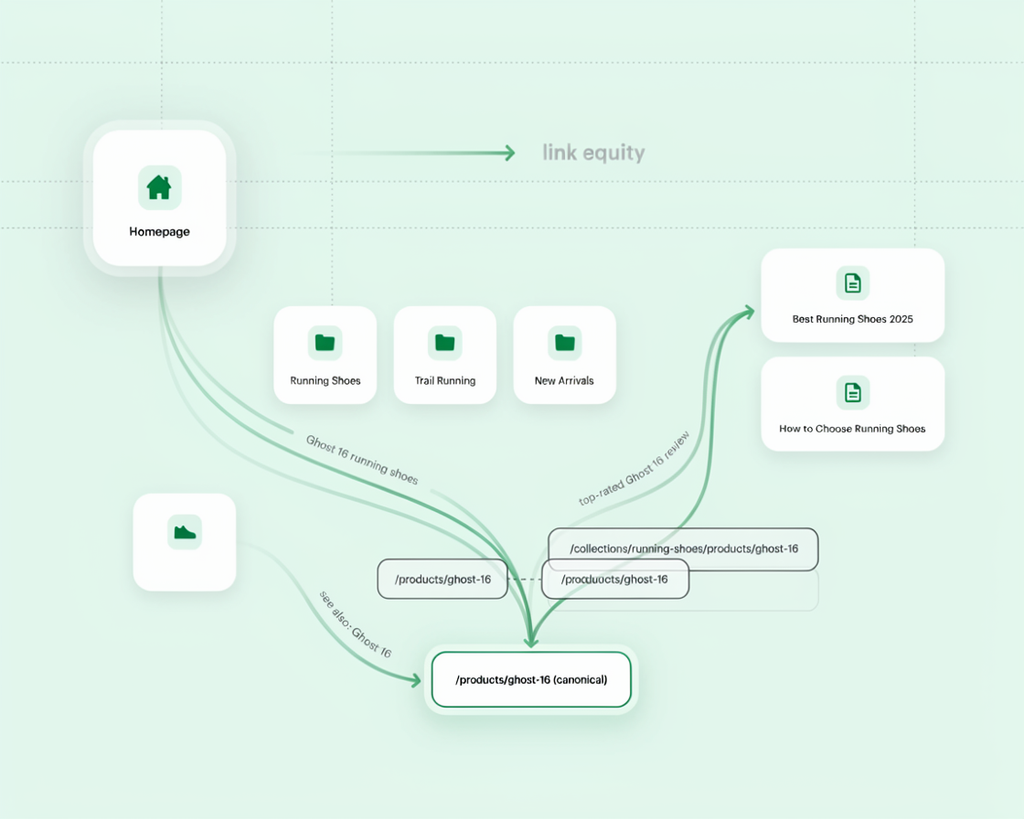
Shopify lets one product live at two URLs. /products/ghost-16 and /collections/running-shoes/products/ghost-16. Same item, two pages, split signals.
Fix it by dropping the within: collection parameter from your product grid snippet. That’s a twenty-minute edit.
Then build links inward. A product page with nothing pointing at it is close to invisible. Link from collection copy, from related posts, and from other products where it genuinely fits. Anchor text should name the product, never “shop now”.
Our guide on product page SEO covers the on-page structure in more depth. If the whole catalog feels flat rather than one page, how to improve SEO of an ecommerce website is the better starting point.
How Long It Takes to Rank Shopify Products on Google
| Starting point | Typical time to first movement |
|---|---|
| Indexed page, light competition | 2–4 weeks |
| Indexed page, moderate competition | 6–12 weeks |
| New product on a new store | 3–6 months |
| Fighting a major retailer | 6–12 months |
The variable nobody mentions is the rest of the site. A great product page on a store with no authority crawls up slowly. The same page on an established domain can rank in a fortnight.
FAQs
How long does it take to rank a Shopify product on Google?
Two to three months on an established store is realistic. New stores take longer, often six months or more, because the domain has no history. On-page work is the fast part. Authority is the slow part.
Why is my Shopify product not showing on Google?
Three usual causes. The page carries a noindex tag, the product isn’t published to the Online Store sales channel, or it’s indexed but ranks too low for anyone to find. Check the first two in Search Console’s URL Inspection tool before assuming it’s a ranking problem.
Do product descriptions really matter for ranking?
Yes, though not for keyword density. They matter because Google has to choose between you and nine retailers selling the same item. Unique copy that answers buyer questions is a difference it can measure.
Should internal links point to the product URL or the collection URL?
The product URL, /products/handle. That’s the canonical version. Collection-based product URLs exist for breadcrumb convenience, not for ranking.
Can a product page rank without backlinks?
Often, yes. Internal links from collection pages and blog posts carry mid-competition terms on their own. Backlinks matter more once you’re up against established retailers for a head term.
Conclusion
To rank Shopify products on Google, you do four things in order. Pick a term a product page can win. Write a title and description that answer the search. Fix the schema so the listing shows price and stars. Push internal links into the page.
None of that needs an app. Most of it is an afternoon per product, and the returns stack across the catalog.
If doing it 200 times sounds grim, our ecommerce SEO team at Commerce SEO Agency runs product page programs for Shopify stores, from title rewrites through to schema and internal linking. We start with the twenty pages that have the most to gain.