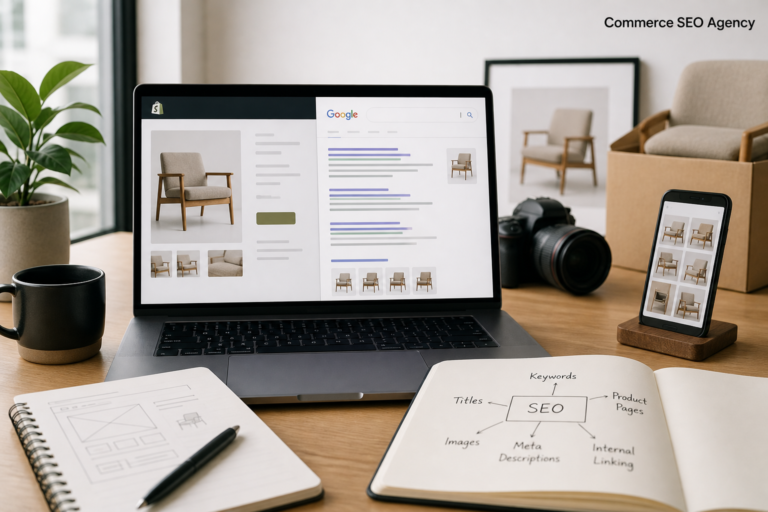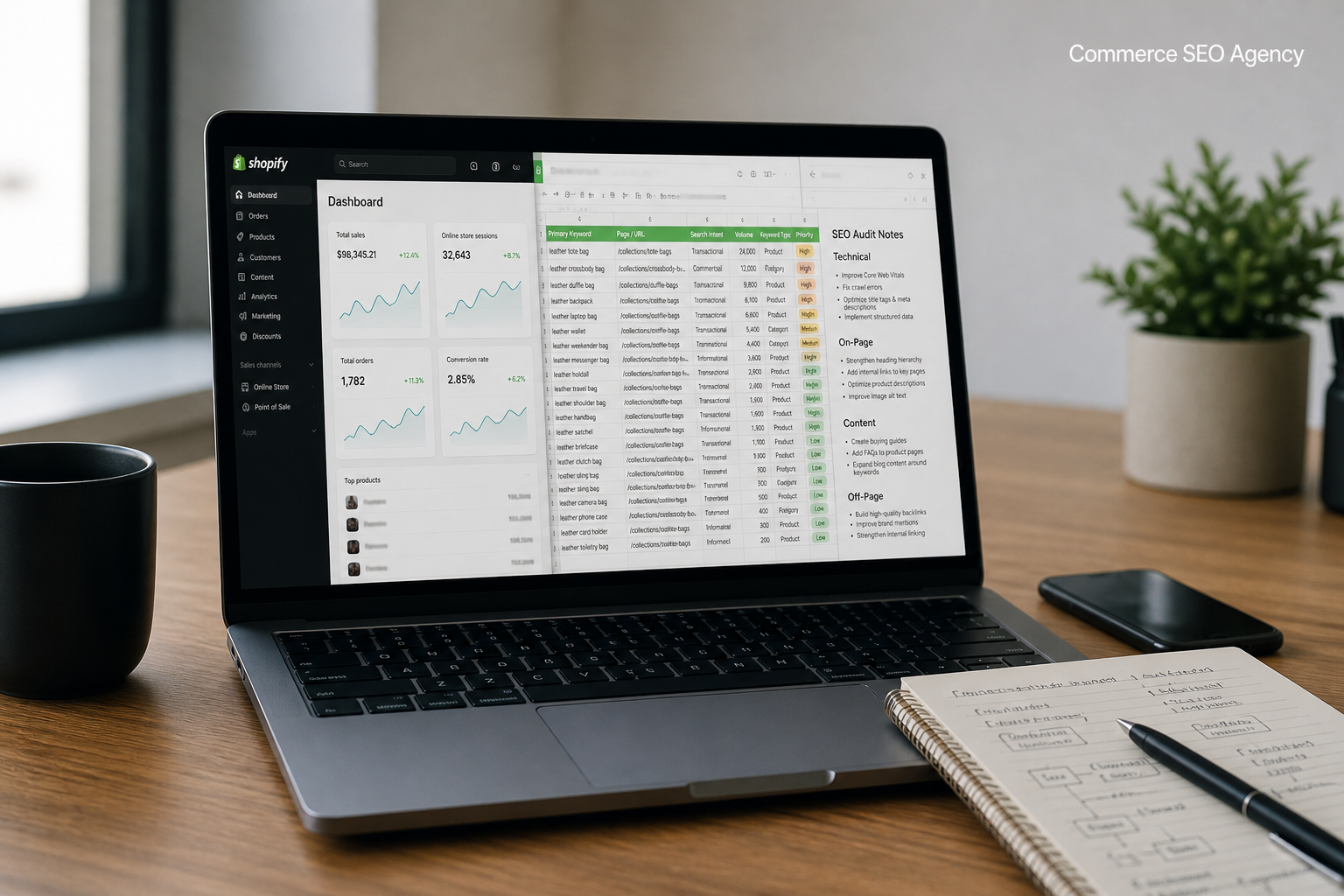
Shopify SEO is not the same job as SEO anywhere else. The platform handles the hard plumbing for you, which makes owners assume the rest is handled too. It isn’t.
Plenty of stores follow a generic tutorial to the letter and still sit on page three. That’s rarely a content problem. It’s the platform’s defaults working against you in ways nobody flagged.
This guide covers the whole picture in the order we’d actually work it: what Shopify gives you free, the four layers that decide rankings, and a 90-day plan to sequence the fixes.
What Shopify Handles, and What It Doesn’t
Start here, because it changes where you spend your time.
Shopify gives you | Shopify leaves to you
|
HTTPS and clean URL structure | Title tags and meta descriptions |
Auto-generated sitemap.xml | Product and collection copy |
Canonical tags on product variants | Internal linking |
Basic Product schema on 2.0 themes | Collection page content |
Image CDN with automatic resizing | Page speed beyond the baseline |
301 redirects when you change a handle | Keyword targeting |
The left column is genuinely good. It beats what WooCommerce ships with, and it saves you the plumbing that eats weeks on other platforms. Shopify’s own SEO settings documentation is the whole built-in feature set, and it’s a short read.
The right column is where rankings get decided. Shopify has no opinion about your title tags because it can’t. It doesn’t know what you sell or who buys it.
The Four Layers of Shopify SEO
Shopify search engine optimization breaks into four layers. They stack, and a problem in a lower layer caps everything above it.
Crawl and index. Can Google find and store your pages? If this layer is broken, nothing else matters.
Relevance. Does the page match the query? Title, copy, headings and schema live here.
Authority. Does Google trust you more than the nine stores selling the same thing? Links and brand signals decide it.
Experience. Does the page load fast and work on a phone? Core Web Vitals and mobile usability.
Most stores attack layer two because it’s the visible one. We’ve audited stores with genuinely good product copy stuck on page four because a stray Disallow in robots.txt.liquid was blocking an entire collection. Layer one first, every time.

Keyword Research for a Store Catalog
Ecommerce keyword research has one rule that content sites don’t: every keyword needs a page type.
A term like “best running shoes for flat feet” belongs on a buying guide. “Running shoes” belongs on a collection. “Brooks Ghost 16 men’s wide” belongs on a product page.
Map each keyword to a page before you write anything. Then check the SERP to confirm Google agrees with your mapping. It usually does. When it doesn’t, trust the SERP over your own instinct.
We keep a sheet with four columns: keyword, monthly volume, assigned page type, assigned URL. If a keyword has no URL next to it, it doesn’t get worked on. That single rule stops most cannibalization before it starts.
Our Shopify keyword research guide walks through the tools and the filtering.
On-Page: Products, Collections, Content
Three page types carry nearly all your commercial value.
Product pages need a title that front-loads the searchable phrase, copy that answers buyer questions, unique images, and schema. That’s the whole job. There’s no trick beyond doing it properly.
Collection pages are the most under-served asset on Shopify. They target the high-volume category terms, and most stores give them a product grid and nothing else. Add 100 to 150 words above the grid and a longer block below it. Link out to your sub-collections from that copy.
Content pages are how you capture the research phase. Buying guides, comparisons, sizing explainers. Link each one to the collection or product it discusses, or it earns nothing but traffic.
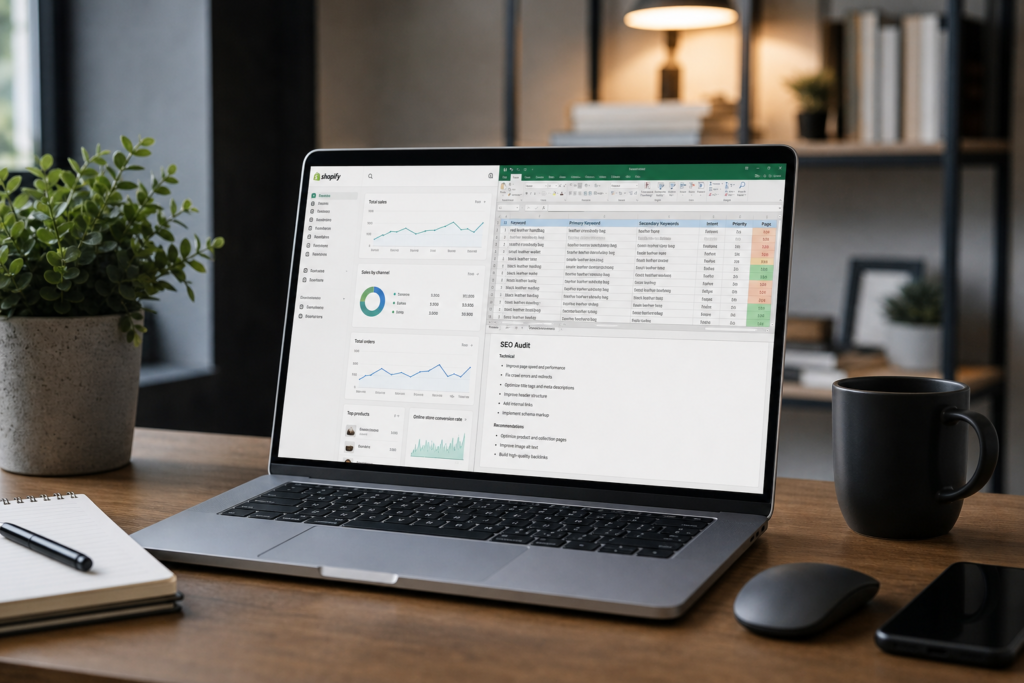
Want the full task list instead? Our Shopify SEO checklist breaks the work into 25 items ordered by impact.
Technical SEO on Shopify
You can’t touch the server, so technical work here is narrower than on WordPress. It still matters.
Four things are worth checking: robots.txt.liquid, the duplicate collection product URLs, Core Web Vitals, and app script bloat. In our last 25 audits, every single store had at least one unused app still injecting scripts into every page load.
Speed is the one merchants underestimate. Test on a real phone, on mobile data, not on office wifi. What counts as a good LCP is well defined, and Shopify stores miss it more often than they should.
Building Authority
Links still decide who wins the head terms. On Shopify, the realistic paths are narrower than generic advice suggests.
Supplier and manufacturer pages are the easiest win. If you stock a brand, ask to be listed as a retailer on their store locator. Those links are relevant, editorial, and rarely contested by anyone else.
Digital PR works if you have something to say. A founder story, original data from your own sales, a tool people actually use. Review outreach is a waste unless you sell something people photograph.
Shopify marketing budgets tend to go to ads first. For a new store with weak pages, that’s backwards. Paid traffic to a thin product page converts badly at a higher cost. Organic traffic compounds instead.
If you’re weighing the two, our piece on why SEO matters for ecommerce lays out where organic fits against paid.
A 90-Day Plan
Weeks | Focus | Done looks like
|
1–2 | Crawl and index | Search Console verified, sitemap submitted, robots checked |
3–4 | Architecture | Duplicate collection URLs killed, internal links mapped |
5–8 | On-page | Top 20 products and all collections rewritten |
9–12 | Content and links | Four buying guides live, supplier links requested |
Expect technical fixes to show in the index within two to four weeks. Ranking changes from content and links take three months or longer to appear properly. Nobody outside Google knows the exact weighting, so treat any timeline as a range.
FAQs
Is Shopify good for SEO?
Yes, better than its reputation. It ships HTTPS, canonicals, a sitemap and clean URLs by default. What it won’t do is write your titles or your product copy. Stores that stall usually assumed it would.
How much does Shopify SEO cost?
DIY costs time, realistically 60 to 100 hours for the first full pass on a mid-sized catalog. Agencies typically charge $1,500 to $5,000 a month depending on catalog size and competition. Both beat spending the same money on ads before your pages are worth sending traffic to.
How long before Shopify SEO works?
Two to four weeks for technical fixes to appear in the index. Two to three months for ranking movement on rewritten pages. Six months or more for competitive commercial terms.
Do I need SEO apps for Shopify?
Rarely. Shopify covers the technical basics natively. Apps make sense for image compression or schema if you’d rather not touch Liquid. Audit what each one injects before you install it, and delete anything you stop using.
What’s the biggest Shopify SEO mistake?
Treating the platform defaults as a finished setup. Shopify gives you a good foundation and nothing else. The stores that rank are the ones that wrote better pages than their competitors and kept improving them.
Conclusion
Shopify SEO is a sequencing problem more than a talent problem. Fix crawl and index, then relevance, then authority and experience. Work the layers in order and each one gets easier to move.
The winners aren’t doing anything exotic. They wrote better product pages, gave their collections real content, and kept going for a year while their competitors installed apps.
If you want an outside read on where your store is losing organic traffic, our Shopify SEO specialists at Commerce SEO Agency run audits covering all four layers. You’ll get a prioritized list, not a 90-page PDF nobody reads.